
Dialog “Add directory”
In each package you can create directories for external files (PDF, images, etc.). You even have the option of including entire directories located on your computer or in your network in a single directory and mapping the structure.
The dialog can be opened:
- using the context menu of a package with the Create/ New Directory command.
- using the context menu of a package with the Create/ Import Directory command.
The dialog
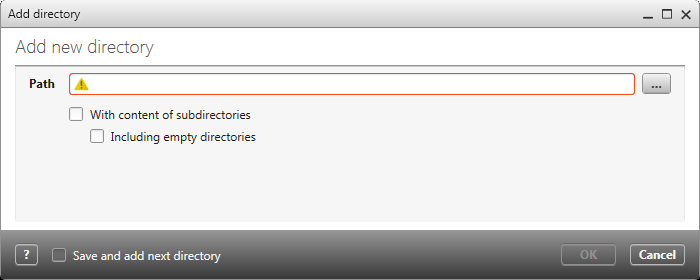
Path Path of the directory.
With content of subdirectories Activate this option to include all subdirectories of the directory.
Including empty directories Activate this option to include empty directories.