
Dialog for ‘Select Topic Group’
Use this dialog to select a project/organization or an existing topic group from the project/organization. What is to be selected depends on whether the topic group is defined as a placeholder or whether a new topic group is to be created.
Open the dialog:
- By applying a pattern that has a topic group
The Dialog
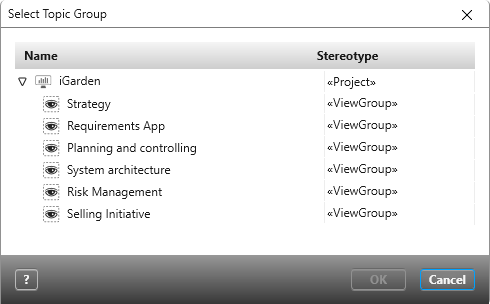
In this dialog, you will see a list of all topic groups contained in the topic bar.
A topic group is defined as a placeholder in the pattern. When applying a pattern, what you create according to the pattern definition will be created in the topic you select in this dialog.
A topic group is not defined as a placeholder in the pattern. The pattern creates a new topic group. If you select the project/organization, the topic group is created as a separate new group. If you choose a topic group instead, the new topic group is created as a subgroup.
Select a topic group and confirm your choice with OK.