
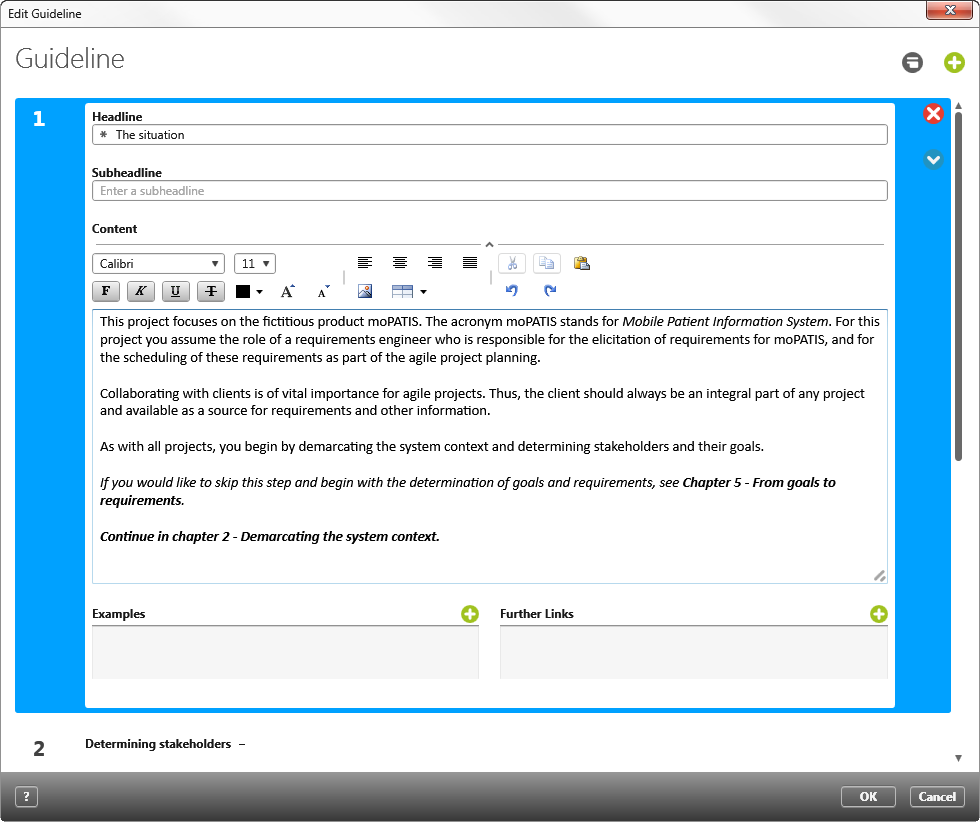
Dialog “Edit Guideline”
The guidelines can be used to formulate important aspects, advice or suggestions the project participants within a project or an organization should take into account. In addition to texts, external links can be entered, or internal links to other project elements.
A guideline can be created:
- in the backstage view of a project under the menu Project/ Edit Guideline
- in the backstage view of a organization under the menu Organization/ Edit Guideline
The guidelines can be called up with the Eye in the project or organization with the command Show Guideline.
The dialog
 |
Click on this button to create a new chapter/ example or a new link. |
 |
This button changes the view of the project guidelines. If the view Toggle show/hide text is set, all chapters will be shown and can be directly formatted. If Toggle show/hide text is turned on, then only the headings and the first row of the text will be shown. |
 |
Click this button to delete a chapter. |
  |
Use these buttons to go up or down a chapter. |