
Dialog “Edit Actor Generalization”
A generalization visualizes a relationship between a general and a specific actor. Special actors inherit all properties belonging to the general actor. A generalization is depicted by a blue line in a use case diagram. The arrow head points to the inheriting actor.
The dialog can be opened:
- in a use case diagram via Edit from the context menu of the relationship
The dialog
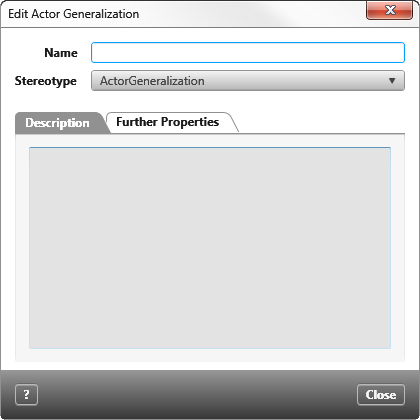
Name You can enter a name here. This is optional. The name is not shown in the diagram.
Stereotype When creating the relationship, the standard stereotype ActorGeneralization is preselected. If you have extended the stereotype, you can change the preselected stereotype by using the dropdown list. The stereotype controls whether and which user-defined properties are displayed in the tab Further Properties.
Tab “Description”
Enter a detailed description here.
Tab “Further Properties”
If the selected stereotype has user-defined properties then you can enter the values for these properties here.