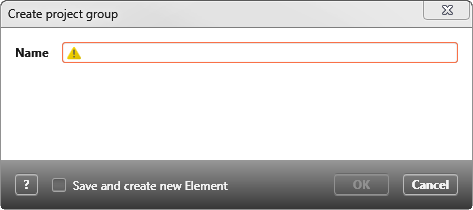
Dialog “Create project group” for pattern
When you create a pattern, you can add project groups that can then be replaced by explicit project groups when the pattern is applied.
The dialog opens
- via the context menu of a pattern with the command Create other/ Project group
Dialog
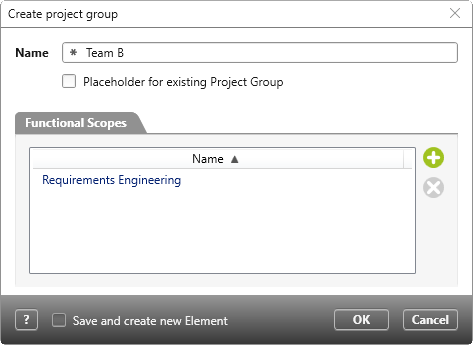
Name Name the project group.
Placeholder for existing Project Group Check this option if you want to replace the project group with another project group later when applying the pattern. The project group that is to replace the placeholder must exist in the project. If the option is deactivated, the project group is created in the project using the pattern. When applying the pattern, the name can be overwritten.
Tab “Functional Scopes”
As soon as the option Placeholder for existing Project Group is deactivated, you can use the plus button to select existing functional scope that will be assigned to the project group after creation. You can use the Delete button to remove functional scope again.
Save and create new Element If you want to create several project groups one after the other, mark the option so that the dialog opens again after you have clicked OK.
OK | Cancel Confirm the entry with OK and the dialog is closed. Cancel ends the action and the dialog is closed.
Til version 5.2.1
Up to version 5.2.1 only the name could be specified for the project group.