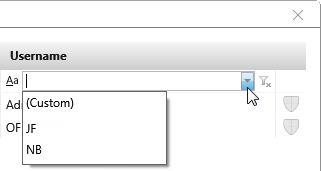
Dialog “Choose Users”
This dialog displays all available users that can be assigned to an organization.
The dialog can be opened:
- within an organization, by clicking the Add an existing user button in the Edit Organization Staff view.
The dialog

Name Select the Name checkbox to assign all employees that appear in the list.
Select staff individually Select one or more staff by clicking on the check box in front of an employee. Confirm with OK.
Click on Organizational administrator icon to assign extra rights to the respective user.
Filter user
For example, if the list is long, it can be filtered to limit the number of employees.