
Arrange userboard
You can choose which organizations, projects, and templates to show or hide on the userboard. If you are primarily interested in reports, you can display a dashboard instead of the userboard with its tiles.
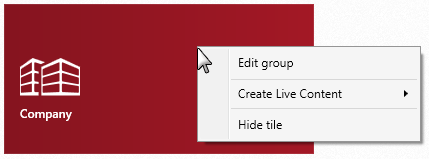
Hide tile
- Click on the tile you want to hide and choose Hide tile from the context menu.
Show tile
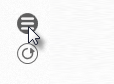
- Click the Customize userboard button on the right side of the userboard.
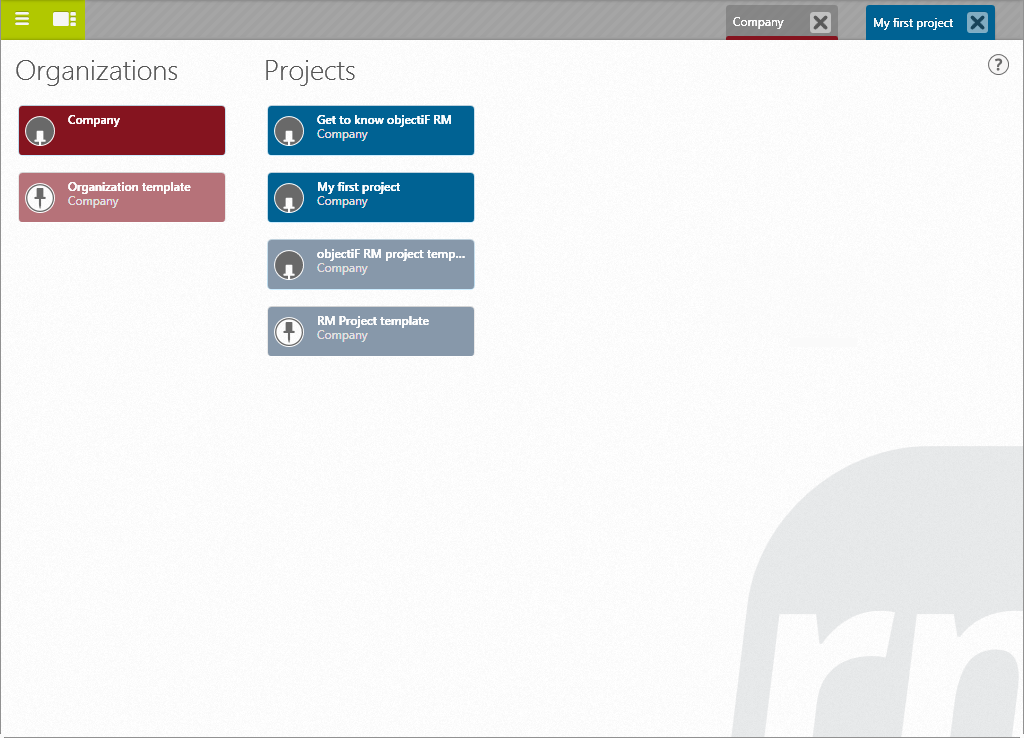
The “back end” of the user board opens, displaying all organizations, projects, and templates that have been created in the system.
 |
The tile is shown in the userboard. |
 |
The tile is hidden in the userboard. |
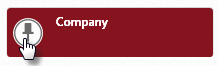
- Activate the respective projects and organizations by clicking on the pin in the tile.
- Click the Switches to the userboard view button to return to the front view of the userboard.

The projects or organizations are displayed in the userboard.