
Set read-only Protection for Guidelines
By default, any user with access to a project or organization can view and edit the guide. If you want to prevent all project members from editing the project guide, you must enable write protection at the project or organization level.
- Open the project or organization.
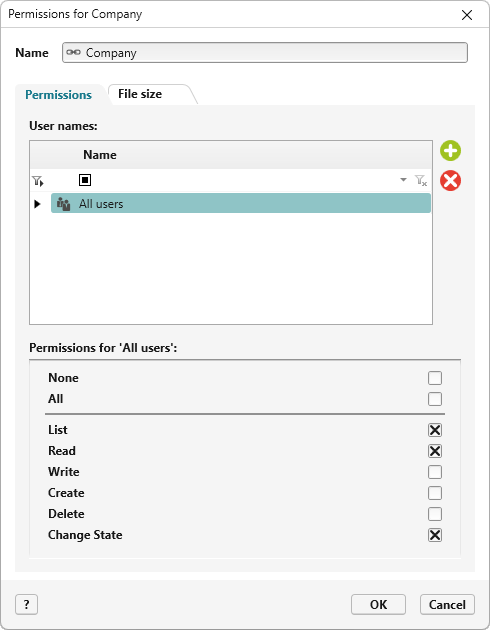
- Go to the context-specific menu and select Organization → Edit Permissions. In a project, the command is Project → Edit Permissions.
- In the Permissions dialog, use the plus button to add users and disable the Write permission.
The command is still available in the context-specific menu. However, the content of the guide cannot be modified.