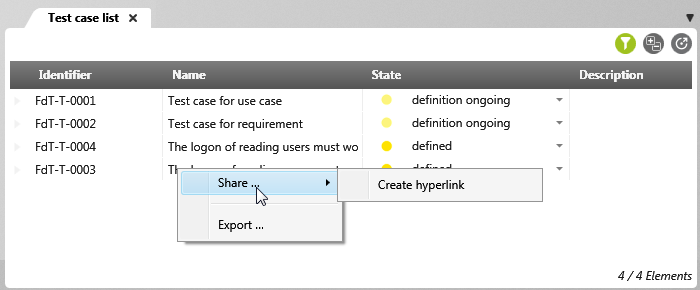
Limit context menu commands for queries
When creating queries, you can determine which context menu commands should be made available to users. A restricted context menu provides greater clarity, as users see only the commands that are actually relevant and do not have to click through long lists. At the same time, the number of potential sources of error is reduced because unnecessary or irrelevant commands are not offered in the first place. This makes work more efficient overall, as users can find exactly the functions they need more quickly.
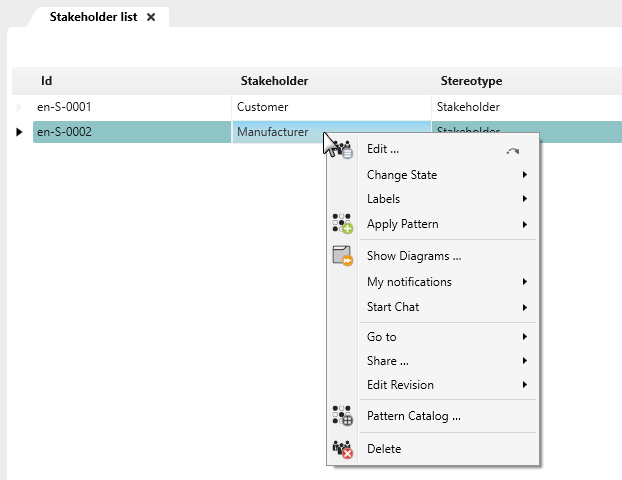
- Open a query using the Edit context menu command.
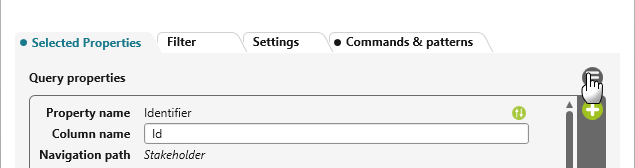
- On the Selected Properties tab, click the Edit button.
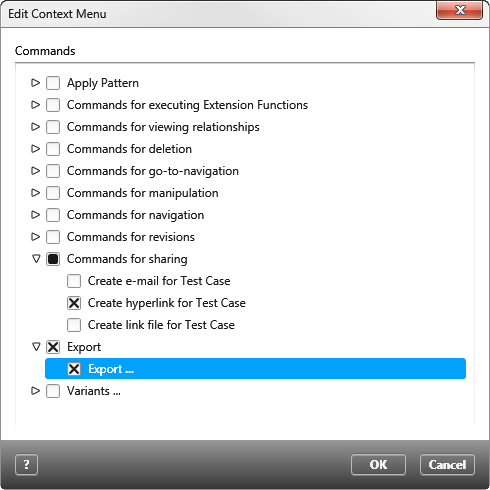
- In the following dialog select the commands you want to offer or deactivate those you want to hide.
- Confirm with OK.
Only the context menu commands marked in the configuration dialog are now displayed in the query.