Launch the Service Manager
You use the Service Manager to create so-called services that connect to the client and a database you have created or selected on the SQL Server. You can also use the Service Manager to activate and manage licenses, create and configure services, and update databases.
With the Service Manager, you can:
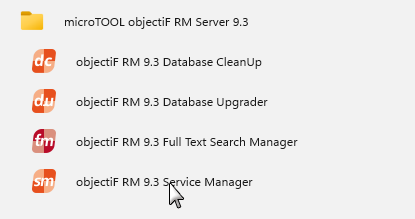
Launch the Service Manager via the Windows Start button or the Windows Search function.
Type “Service Manager” into the search box and then select the entry objectiF RM x.x Service Manager.
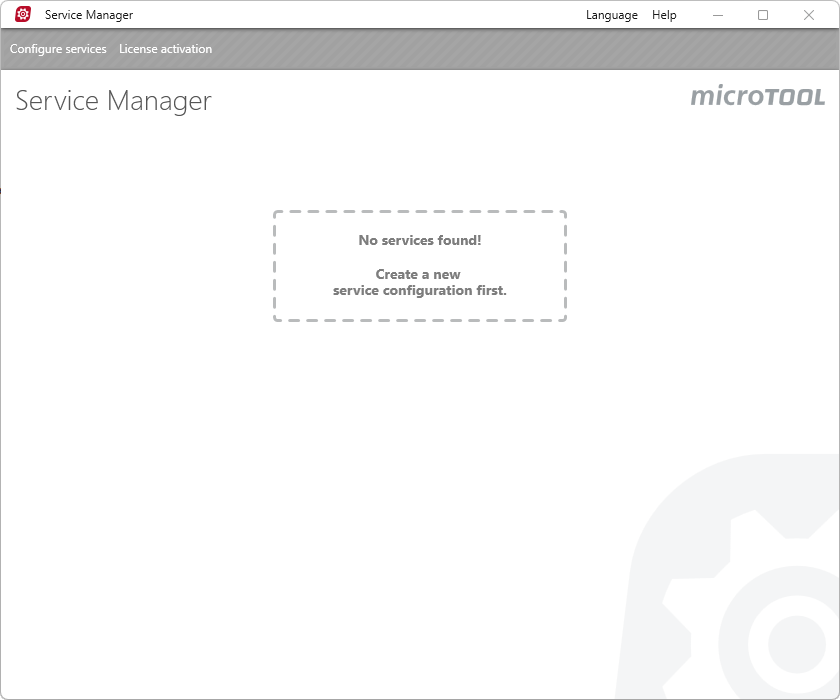
When you first open the Service Manager window, it will be empty. This means that no services have been set up yet. You can then use the menu to create a new service, start the service or activate licences.